My Developer Tech Stack in 2026: Next.js, AI SDK & MongoDB
After 18 years and ~20 products, my developer tech stack in 2026 is simpler than ever. Here's what I use, why I stopped chasing new frameworks, and why it ships faster.


Every year, the JavaScript ecosystem produces a new framework that promises to change everything. Every year, I evaluate it, acknowledge its merits, and keep building with what works.
My tech stack in 2026 is almost embarrassingly simple. The same tools I've used for years, incrementally improved, deeply understood, and ruthlessly productive. Not because I'm afraid of new technology, but because I've learned that the fastest path to a shipped product is a stack you know cold.
Here's what I use, why I use it, and what I've deliberately stopped using.
The Stack
Next.js (App Router)
Every web application I build starts with Next.js. Not because it's trendy, but because it solves the most problems with the least configuration.
Server components for data fetching. Client components for interactivity. API routes for backend logic. Middleware for auth and redirects. Image optimization built in. SEO metadata built in. Static generation where I can, dynamic rendering where I must.
I've used Next.js since the Pages Router era. The App Router was a rough transition because the mental model changed significantly. But now that the patterns are settled, it's the most productive web framework I've ever used.
The specific advantages for my workflow:
One project, full stack. I don't maintain separate frontend and backend repositories. The API routes live next to the pages that call them. The database queries live next to the components that display their results. For a solo founder, this colocation is essential because fewer repos means fewer context switches.
Server components eliminate client-side data fetching. In the old model, every page loaded a shell, then fetched data, then rendered. Users saw loading spinners. Search engines saw empty pages. Server components render with data on the server, so the page arrives complete. No spinners. No hydration mismatches. Better UX. Better SEO.
Incremental adoption. I can add a new page with completely different patterns without refactoring existing pages. Some pages are fully static. Some are fully dynamic. Some mix both. Next.js handles the complexity.
TypeScript
Every file. No exceptions.
I resisted TypeScript for years. JavaScript was faster to write. TypeScript felt like writing the code twice: once to implement it, once to describe it.
I was wrong. TypeScript's value isn't in preventing bugs (though it does). It's in enabling refactoring. When I change a function signature in one of my products, TypeScript tells me every place that needs to change. In a codebase maintained by one person across ~20 products, that safety net is essential.
The compile-time feedback is also a better debugging tool than console.log. Red squiggles in the editor catch errors before the code runs. This saves minutes per day that compound over months.
Tailwind CSS 4
I've used Tailwind since v2. Each version has been better. V4 is the best yet: faster, smaller, with fewer configuration gotchas.
The argument against Tailwind ("it's ugly in the HTML") has never bothered me. I spend 10% of my time reading HTML and 90% of my time writing UI. Tailwind makes the writing faster. The reading clarity is a tradeoff I accept.
What Tailwind gives me:
No naming. I never think about class names. Never debate .button-primary vs .btn-main vs .action-button. The utility classes describe what they do. The naming problem (which consumes more time than anyone admits) disappears.
Design consistency. Tailwind's spacing scale, color palette, and typography presets enforce visual consistency without a design system. Every product I build looks cohesive because the same constraint system underpins every component.
Zero-context styling. When I switch between products, I don't need to remember project-specific class names or CSS architectures. Tailwind is the same everywhere. px-4 py-2 rounded-lg bg-teal-500 text-white means the same thing in every project.
MongoDB
For most of my products, MongoDB is the right database. Not always. But usually.
The reason is simple: my products evolve fast, and MongoDB's schema flexibility lets me iterate without migrations. A blog post today has title, body, and category. Next month it might need tags, reading time, and canonical URL. In MongoDB, I add the field. In Postgres, I write a migration.
For a solo founder maintaining ~20 products, the migration overhead of a relational database across that many projects would be crushing. MongoDB lets me evolve schemas as products evolve, without ceremony.
When I need relational integrity (financial transactions, regulatory audit trails, complex queries with joins) I use Postgres. But that's maybe 20% of my data. The other 80% is document-shaped and fits MongoDB naturally.
Claude API
For every AI feature across every product, I use Claude.
The reasoning capability is better than alternatives for the kind of work I do: generating structured content, understanding regulatory contexts, producing nuanced professional writing. Aviation Infinity's adaptive learning engine, LegalAgento's document generation, ClickAi's website content, all powered by Claude.
I've experimented with other models. Some are faster. Some are cheaper. None match Claude's ability to handle complex, domain-specific generation with the accuracy that regulated industries require.
The consistency matters too. Using one AI provider across all products means one integration pattern, one billing relationship, one set of model behaviors to understand. The cognitive overhead of managing multiple AI providers isn't worth the marginal improvements.
Vercel
Every Next.js project deploys on Vercel. Push to main, deployment happens. Preview URLs for every pull request. Environment variables managed through the dashboard. Analytics built in.
I've deployed on AWS, Google Cloud, DigitalOcean, and self-managed servers. Vercel is the only platform where deployment is genuinely a non-event. I don't think about it. It just works.
For a solo founder, the time saved on deployment infrastructure (no Docker files, no Kubernetes manifests, no CI/CD pipelines to maintain) is significant. That time goes into building features instead.
Framer Motion
For animations and transitions. Every portfolio site, every product landing page, every interactive UI element uses Framer Motion.
It's not the lightest animation library. It's the most productive one. The declarative API (initial, animate, exit) maps to how I think about animations. "Start invisible and below, animate to visible and in place." That's one line of configuration, not fifty lines of CSS keyframes.
What I Stopped Using
Knowing what not to use is as important as knowing what to use.
CSS-in-JS (styled-components, Emotion). Replaced by Tailwind. The runtime cost and DX complexity weren't worth the encapsulation benefits.
Redux / complex state management. React's built-in state (useState, useContext) plus server components eliminated most of the cases where I used Redux. For the rare complex client state, Zustand is lighter and simpler.
GraphQL. For a solo founder, the overhead of maintaining a GraphQL schema alongside the database schema and the TypeScript types is triple bookkeeping. REST API routes in Next.js are simpler and sufficient.
Separate backend services. In the past, I'd build a separate Express or Fastify backend. Now, Next.js API routes handle 95% of backend needs. Only genuinely complex services (like the MCP server) live outside Next.js.
Multiple AI providers. I tried using different models for different tasks: one for generation, one for analysis, one for embeddings. The management overhead exceeded the performance gains. Claude handles everything.
Why Simplicity Wins
After eighteen years, I've noticed a pattern: the projects with the simplest stacks ship the fastest and last the longest.
Complexity doesn't come from the problem. It comes from the tools. Every additional tool, framework, or service adds configuration, maintenance, debugging surface area, and cognitive load.
A stack with ten technologies has forty-five pairwise interactions to manage (10 choose 2). A stack with five technologies has ten. The complexity isn't linear. It's combinatorial.
My stack has five core technologies: Next.js, TypeScript, Tailwind, MongoDB, and Claude. I can hold the entire system in my head. I can debug any issue without consulting documentation. I can build a new product from zero to deployed in a day.
That speed comes from simplicity, not from choosing the "best" tool for each individual job. The best tool is the one that doesn't slow me down. And the tool that doesn't slow me down is the tool I've used a hundred times.
The Advice I'd Give
Pick boring technology. Stable, well-documented, widely-used tools are boring for a reason: they work. Novel tools are exciting until they break at 2 AM and the GitHub issues are empty.
Use one language everywhere. TypeScript for frontend, backend, tooling, and scripting. The context switch between languages is more expensive than any language-specific advantage.
Pre-decide your stack. Don't evaluate tools per-project. Decide once, use everywhere. Save your decision-making energy for product decisions that actually affect users.
Upgrade incrementally. When Next.js releases a major version, I upgrade one project first. If it's stable, I upgrade the rest. I never chase the latest version across all projects simultaneously.
Optimize for the tenth project, not the first. Your stack choice should make project number ten faster than project number one. That means consistency and familiarity beat novelty and optimization.
The flashiest stack doesn't build the best products. The most familiar stack does.
Enjoyed this article?
I write about building products, AI, aviation, and the journey of entrepreneurship. Follow along for more.
Keep reading
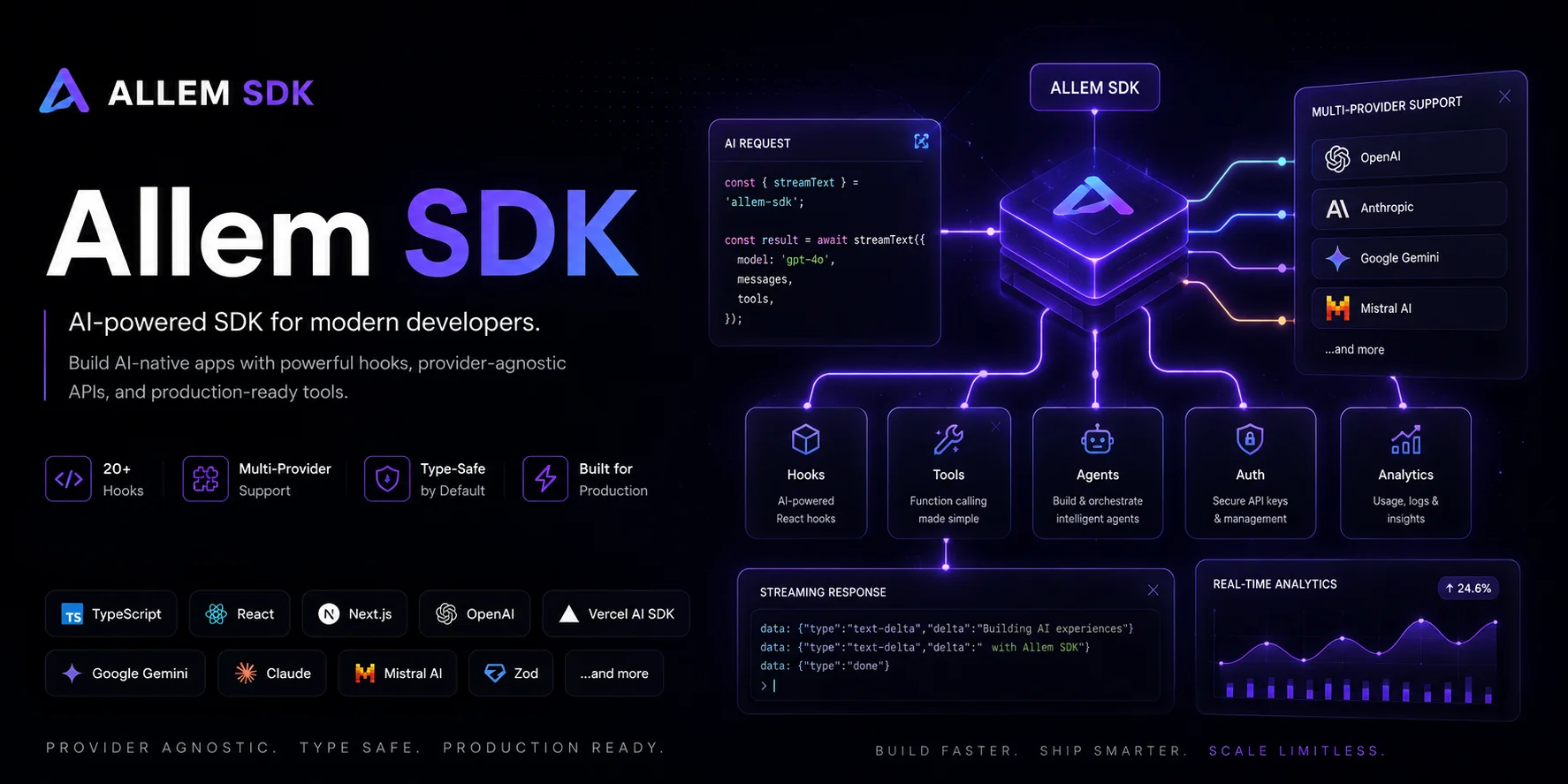
Getting Started with Allem SDK: React Hooks for AI, Forms & Auth
Allem SDK is a collection of React hooks for AI chat, form validation, authentication, analytics, and utilities. Here is how to install and use it.
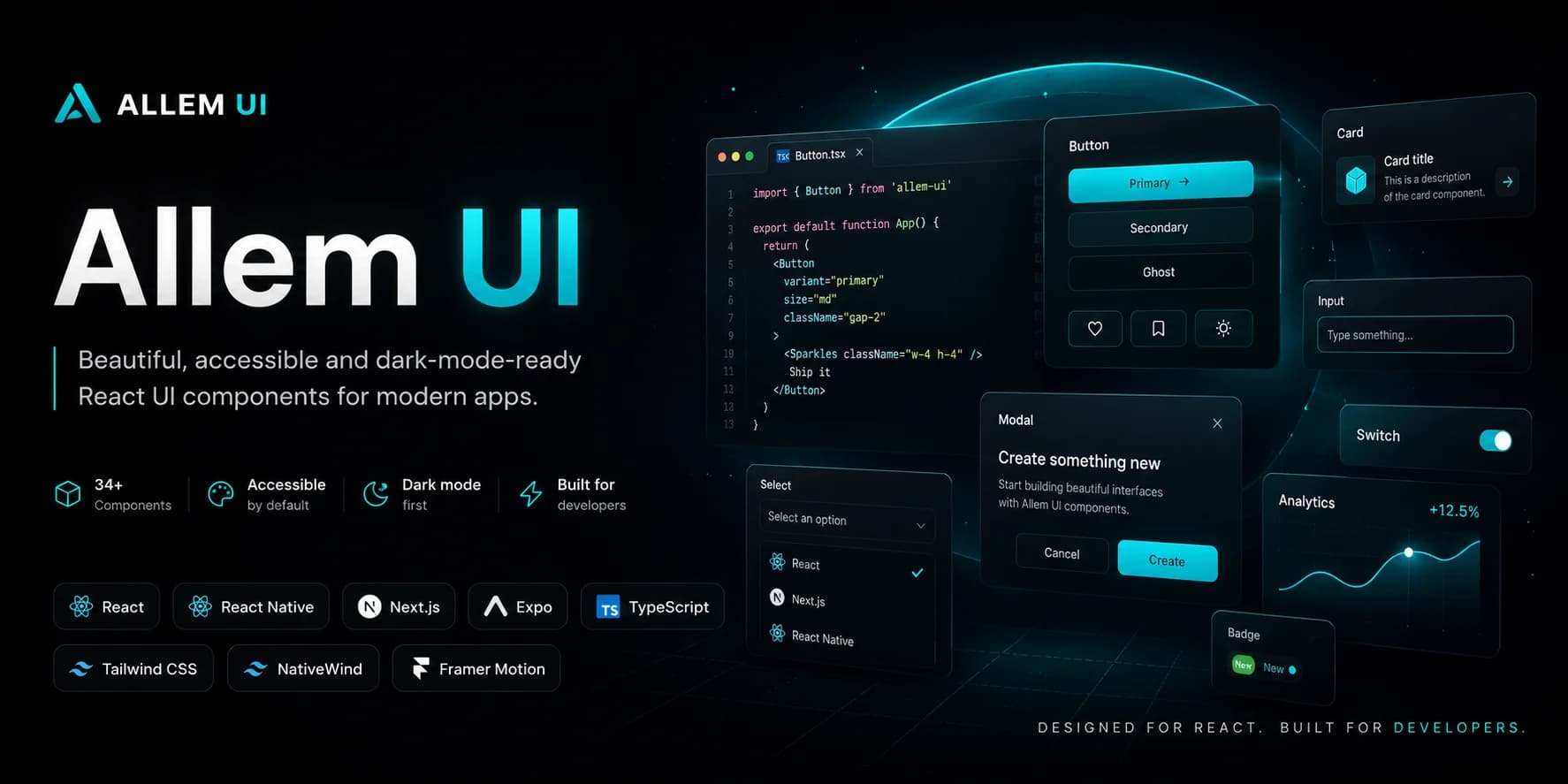
Getting Started with Allem UI: React & React Native Components
Allem UI is an accessible component library for React and React Native with 44+ components, dark mode, and Tailwind CSS v4. Here is how to install and use it.
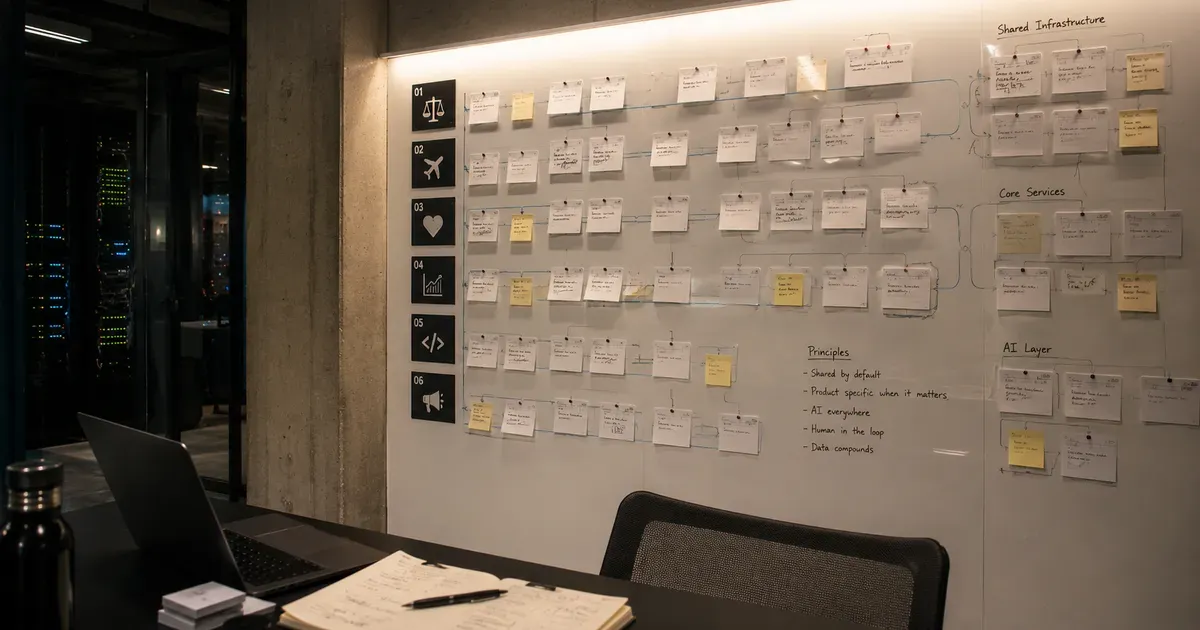
The Agento Suite: Building 6 AI Products in Parallel
In 2026, I launched six AI products across legal tech, travel, healthcare, and developer tools. Here is the architecture and playbook for building in parallel.